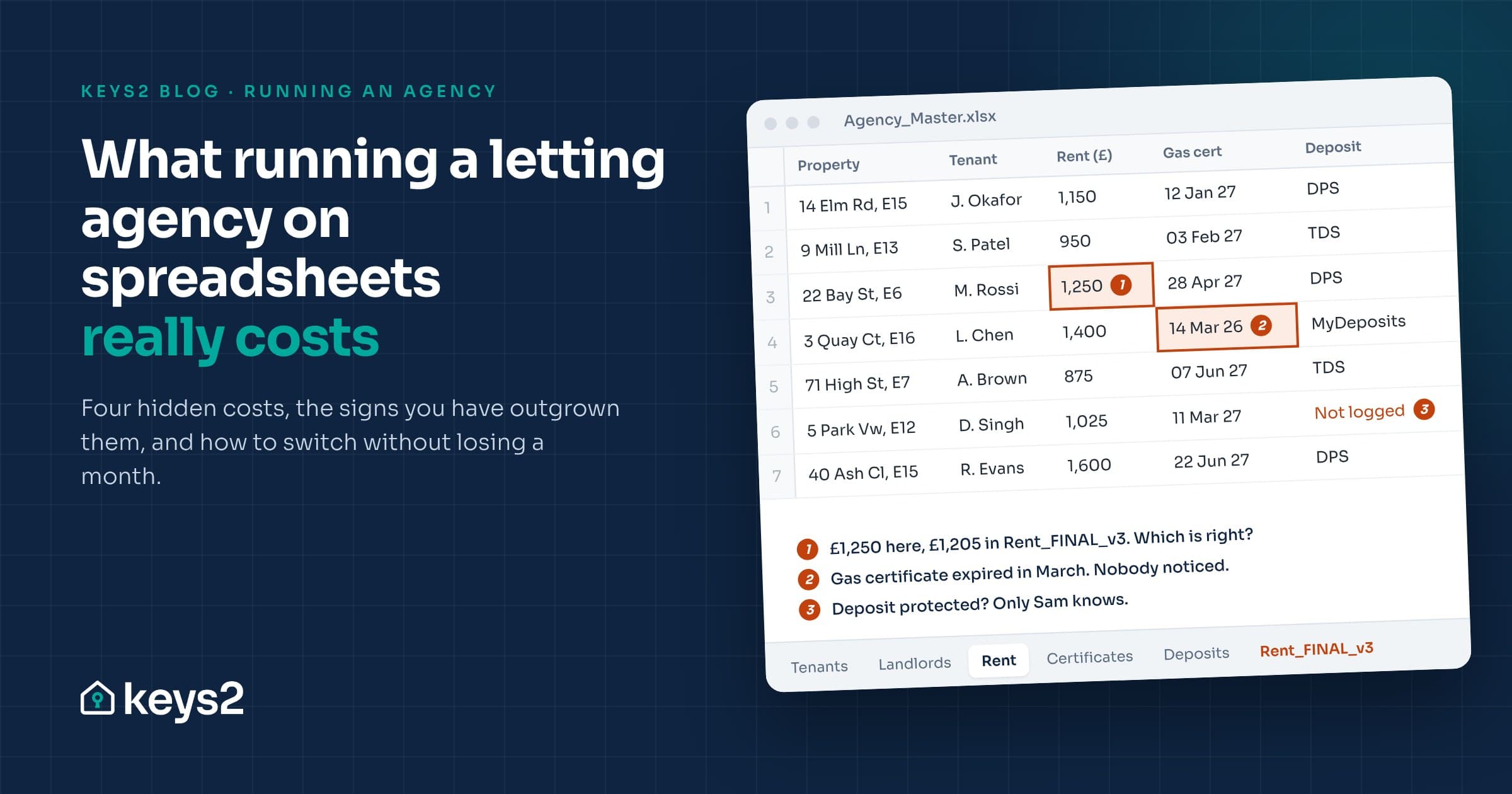
This guide explains what running an agency on spreadsheets usually involves, where the hidden costs are, the signs you have outgrown it, and how to move to property management software without losing a month.
What "running on spreadsheets" usually means
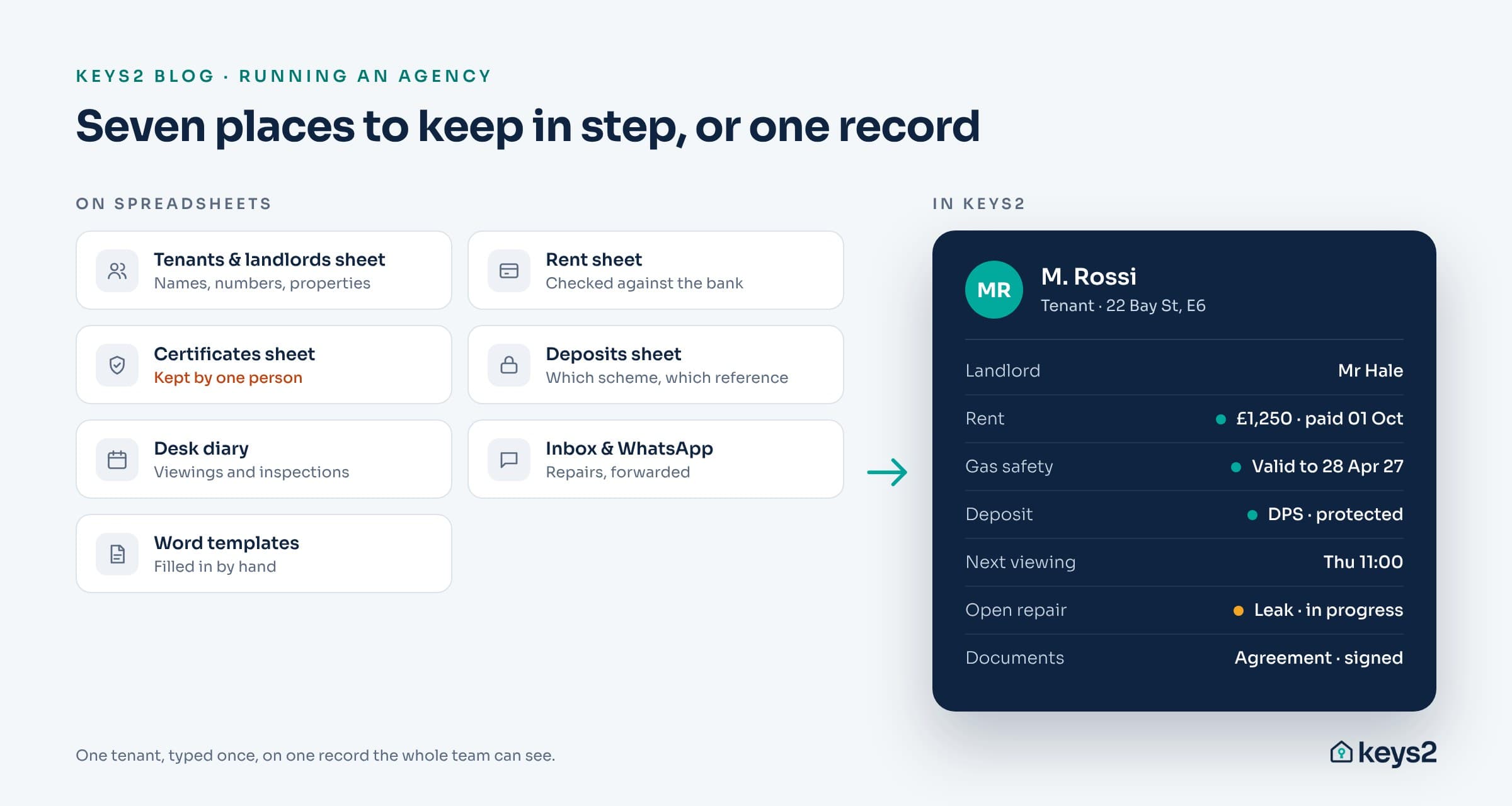
Very few agencies run on one spreadsheet. Most run on a collection that grew one problem at a time:
- a tenants and landlords sheet, with names, phone numbers and which property they belong to
- a rent sheet, checked against the bank statement every month
- a certificates sheet for gas safety, electrical checks and EPCs, often kept by one person
- a deposits sheet, tracking which deposits are protected and where
- a desk diary or shared calendar for viewings and inspections
- an inbox and a WhatsApp thread for repairs
- Word templates for agreements and letters, filled in by hand
Each one works on its own. The trouble is that they do not talk to each other, so every new tenancy means typing the same person into four or five places.
You are not unusual if this sounds familiar. In a September 2026 survey of letting professionals by the software company Propoly, 17% said they rely heavily on email and spreadsheets, 66% use several disconnected systems and 61% re-enter data by hand.
The four hidden costs
1. The same tenant, typed four times
A new tenancy means typing the tenant into the spreadsheet, an email, the tenancy agreement and the deposit registration. Every copy takes time, and every copy is a fresh chance for a typo. When two versions disagree, nobody is sure which one is right.
You can put a number on it with your own figures. Take the number of new tenancies a month, multiply by the number of extra places you type each tenant, multiply by the minutes it takes each time, then by 12:
| Your agency | Example |
|---|---|
| New tenancies a month | 6 |
| Extra copies after the first | 3 |
| Minutes per copy | 10 |
| Hours a year re-typing | 36 |
Thirty-six hours is close to five working days a year, spent typing details you already had. That is before anyone chases a certificate or a rent payment.
2. Compliance that depends on one person
Gas safety records, electrical reports, EPCs, deposit protection, Right to Rent checks and, in many boroughs, property licences each run on their own clock. In a spreadsheet, the only alert is someone remembering to look. When that person is on holiday, nobody knows what is about to expire.
The stakes are higher than they were. Under the Renters' Rights Act, councils can fine landlords up to £7,000 for a first breach and up to £40,000 for serious or repeated ones, according to the government's guide to the Act.
3. Rent and landlord statements built by hand
Checking who owes rent usually means opening the rent sheet, the bank statement and sometimes a second sheet for arrears. Landlord statements are then rebuilt in Excel every month. It works, but it is slow, and errors land in front of the people who pay your fees.
4. No history when you need evidence
A spreadsheet shows what a cell says now, not who changed it or when. Since 1 May 2026, all tenancies in England are assured periodic tenancies, Section 21 has gone, and possession relies on Section 8 grounds that need evidence. Records with dates and names attached are no longer a nice extra.
Signs you have outgrown spreadsheets
If three or more of these are true, it is time to look at software:
- You manage more than about 30 properties, or you are growing past that.
- More than one person updates the same sheets.
- You have found a mismatch between two versions of a tenant's details.
- Only one person knows where the certificate dates live.
- Landlord statements take more than an hour a month to build.
- You run sales as well as lettings and keep them in separate places.
- A landlord or tenant has asked you to prove what happened months ago, and it took a morning to find.
What to look for in property management software
The point of software is one record for everything, not a nicer spreadsheet. Check that any system you consider gives you:
- One record per person, so a landlord who later sells through you, or a tenant who comes back as a buyer, is still one contact.
- A compliance register that tracks every certificate and warns you before it expires.
- A rent ledger per tenancy, showing what was expected against what was received.
- A shared diary for viewings, valuations and inspections, with reminders.
- Documents built from the record, on your letterhead, with electronic signatures.
- A full history of who changed what, and when.
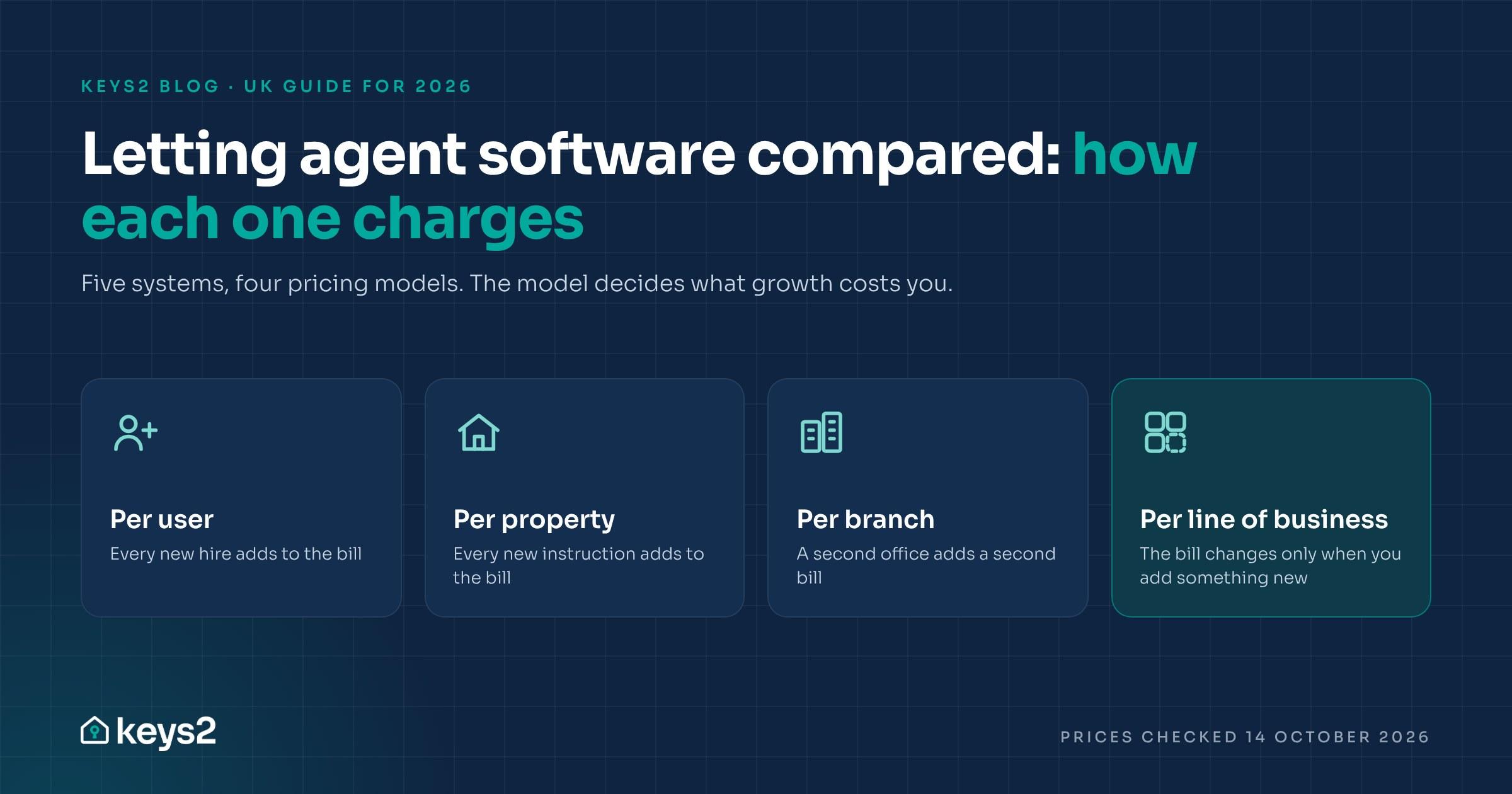
- Pricing that does not punish growth. Check whether you pay per user, per property or per branch, and which features are charged as add-ons. Our comparison of UK letting agent software sets out how the main systems charge.
- Your data, exportable at any time, so you are never locked in.
How to move off spreadsheets without losing a month
- List every sheet and inbox you use today, and who owns each one.
- Tidy the core data first: contacts, properties and current tenancies. Certificates and deposits come next.
- Choose what you actually run, such as lettings only, or lettings and sales, so you are not paying for modules you will not use.
- Agree a migration plan with the software provider. A realistic timeline depends on how much data you have.
- Run both side by side for a short period, then switch off the spreadsheets.
- Train the whole team at once, so nobody keeps a private copy of the old sheet.
Where Keys2 fits
Keys2 is property management software for independent letting and estate agencies, built in Stratford, east London. It puts contacts, properties, tenancies, rent, compliance, viewings and sales on one record, so you type each tenant once. Every plan includes unlimited staff users and unlimited e-signatures. Plans start at £49 per month + VAT, are monthly rolling, and you can export your data at any time. We plan the move with you, and data migration is free from the Core plan upward. See the full pricing or book a demo on your own portfolio.
Frequently asked questions
Can I run a letting agency on Excel or Google Sheets?
Yes, for a small number of properties. As the portfolio and the team grow, spreadsheets lead to duplicate data entry, missed compliance dates and no audit trail, which is when most agencies move to property management software.
What is the biggest risk of managing lettings on spreadsheets?
Missed compliance deadlines. Certificates, deposits and licences each have their own renewal dates, and a spreadsheet only warns you if someone remembers to check it. Fines under the Renters' Rights Act go up to £7,000 for a first breach and £40,000 for serious or repeated ones.
Does the Renters' Rights Act require letting agents to use software?
No. But the Act moved every tenancy in England onto assured periodic terms and made possession depend on evidence, so dated, named records of what happened on each tenancy are now far more valuable.
How much does letting agent software cost?
It depends on how it is priced. Some systems charge per user, some per property or unit, some per branch, and some by the lines of business you run. Keys2 starts at £49 per month + VAT with unlimited staff users.
How long does it take to move from spreadsheets to software?
It depends on how much data you have and how tidy it is. A good provider will agree a timeline with you before you start and let you run both systems side by side until you are confident.
Next: Letting agent software compared: Reapit, Street, Arthur Online, 10ninety and Keys2